




MOTO module · Android and iPhone
Everything by voice. Hands on the bars.
The motorcycle GPS you drive by voice and with the buttons of your intercom. Guidance, music, calls and alerts go through your helmet.

01 The problemAt 90 km/h, one second looking at the screen…
… is twenty-five metres without watching the road.
The phone was never designed for the motorcycle.
- Gloves that don't tap true.
- A screen shaking on its mount.
- A visor full of reflections.
- And two hands with better things to do.
“Anything dangerous to do while moving must be doable by voice, with a single gloved gesture, or not at all.”
The rule behind every VOKPIT screen

02 The answerOn a motorcycle, both hands already have a job.
They stay on the bars.
You speak.
VOKPIT handles it.
One sentence in your helmet is enough. Commands are interpreted on the phone, and the answer comes back in your ear.
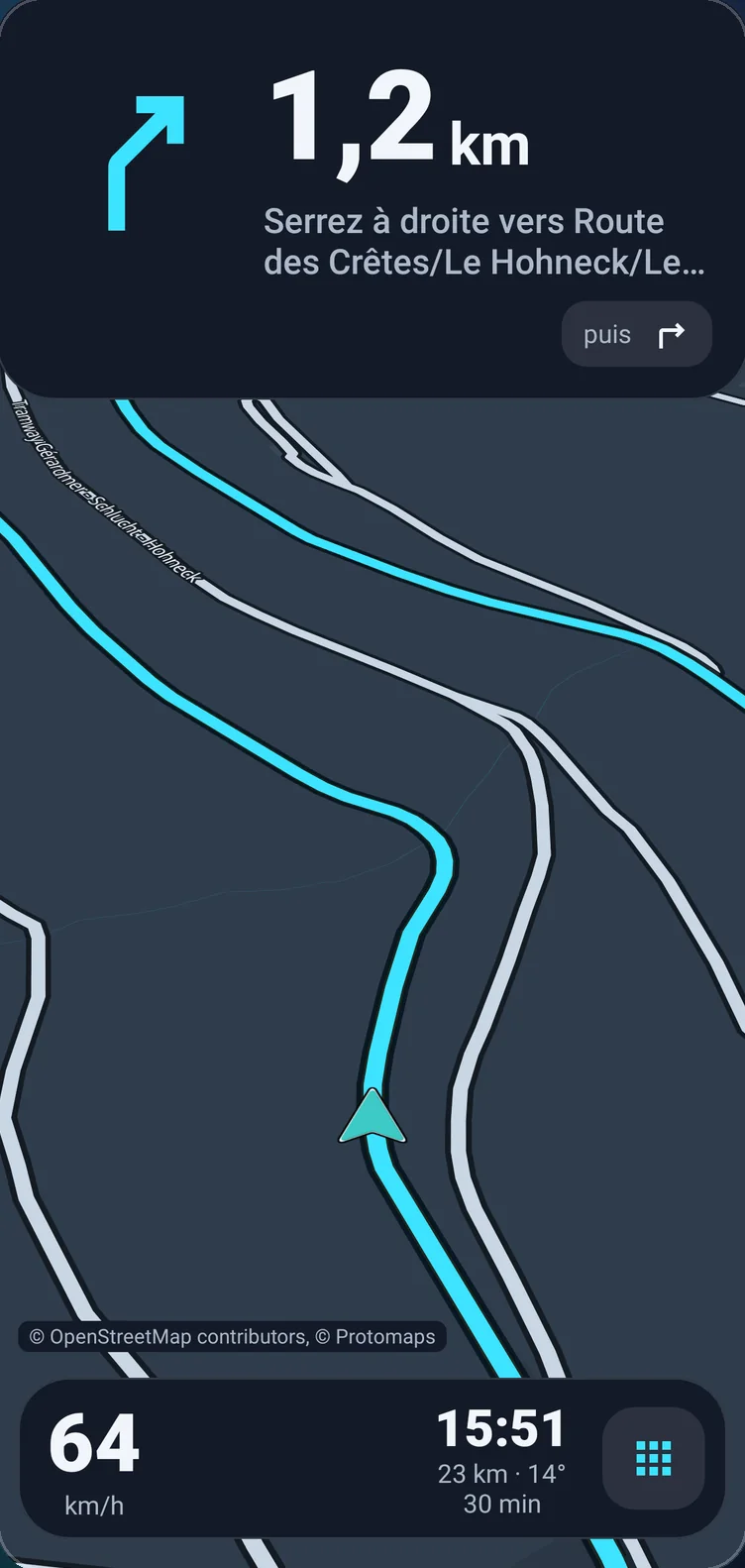
Guidance
Take me to the Route des Crêtes.
The route is computed…
… then a voice guides you turn by turn in your helmet, screen off included.

- Bends
Careful, several tight bends over 800 metres.
- Tight bend
Careful, tight bend.
- Arrival
You have arrived
-
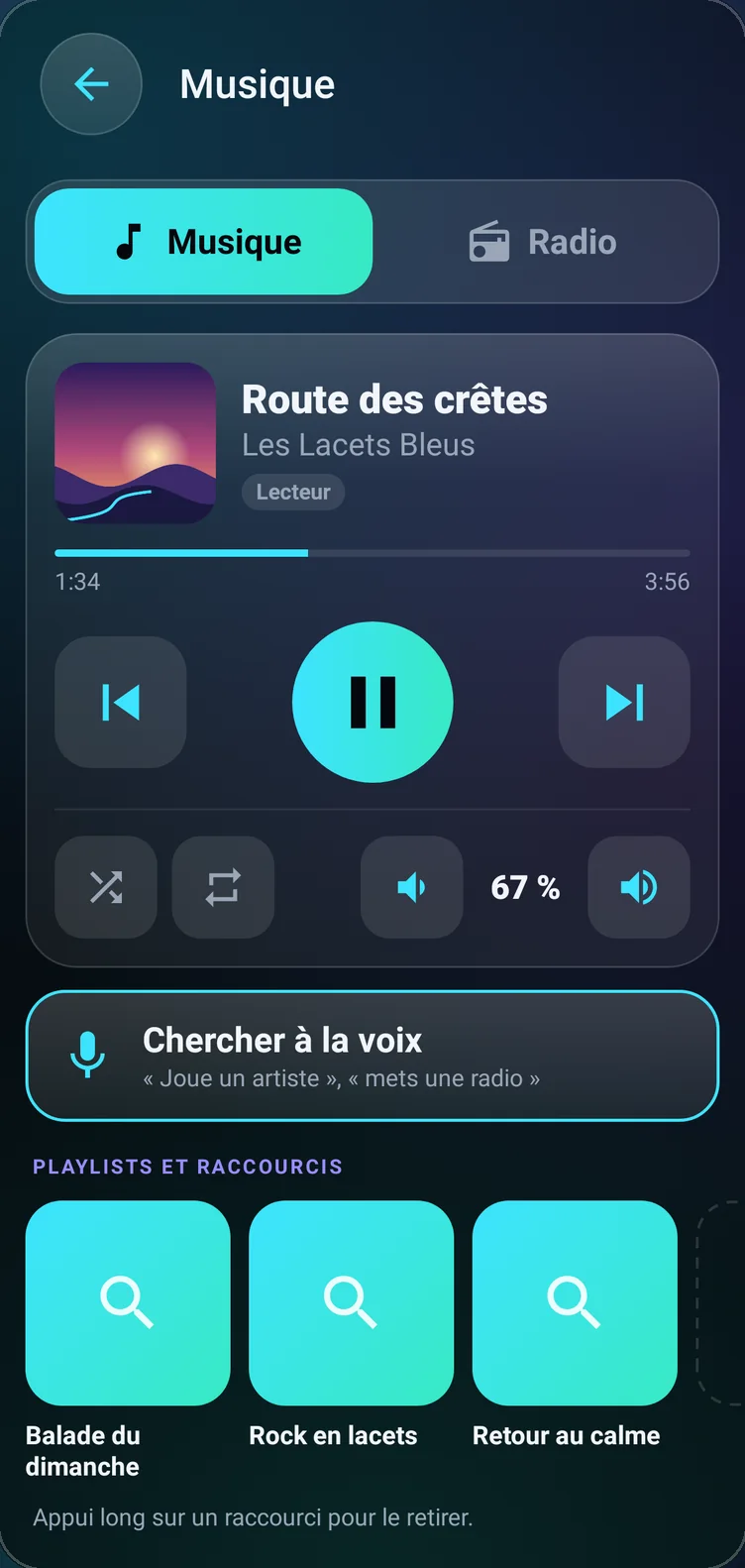
Music
Play Route des crêtes.
Even when dictation mangles a title, it is found among the tracks your phone has already played. A playlist or one of the built-in French radio stations starts the same way.
-
Calls and texts
Text Camille: I'm on my way.
The message is read back in your helmet and only sent after your “yes”. A contact can also be called by name.
-
Hazards
Report gravel.
The hazard is set at your position, and your helmet reminds you of it on the next pass, even without a network. With an account signed in, your gravel, slippery roads, animals, objects and accidents also warn other riders, without your name.


03 The buttons
Three presses.
One hazard reported.
While VOKPIT is on screen, the buttons of your intercom become a remote. Single, double, triple or long press: each does what you choose. By default, three presses mark a hazard at your position, hands on the bars.
On Android. VOKPIT uses the standard Bluetooth profiles, hands-free and media controls, that motorcycle intercoms use to connect to the phone.
- Single pressThe action you choose
- Double pressThe action you choose
- Triple pressReport a hazard, by default
- Long pressThe action you choose

04 Anticipation
Your helmet warns you before the bend.
During guidance, VOKPIT watches the road ahead and tells you in your helmet.
- Tight bend
Careful, tight bend.
When you approach a tightening bend too fast.
- Rain
Showers in 5 minutes.
Forecast on your route, for the time you get there.
- Fog
Careful, fog.
Announced on your route.
- Crosswind
Careful, crosswind.
Assessed against the direction of your route.
- Reported hazard
Careful, gravel in 200 metres.
Reported hazards are recalled on the next pass, even without a network.
05 The ride
Today's loop, drawn at random.
Choose how much time you have and how many bends you want. VOKPIT draws loops that are actually routed and puts first the ones where no rain is forecast.

- 30 min to 8 h
- The length of the loop, or the time to be back.
- Relaxed → Hairpins
- Five steps of twistiness.
- Dry first
- Loops with no rain forecast come first.
- GPX
- Multi-stop roadbooks built on screen, import and export.
Before you leave, the preview flags the riding time into a low sun and after dark. Maps download for offline riding, and once the route is received, guidance is computed on the phone.


06 The dashboard
The dashboard your motorcycle doesn't have.
- GPS speedometer
- Speed, distance, duration and average of the ride.
- Lean angle and G-force
- Measured from your trajectory, with left and right maximums.
- Ride log
- Your rides, their track and their figures, kept on the phone.
- Garage
- Your motorcycle maintenance log, with due dates in distance and in months.
07 Safety
Safety is not for sale.
Crash detection and SOS are free, no subscription. If you don't respond within two minutes, a text with your position goes to the people you chose, and a call to one of them opens. You cancel by voice, gloves on.
- Live tracking, off by default: your loved ones follow your ride in a browser.
- Safely arrived: when guidance reaches its destination, a text can go to them on its own, saying that it is automatic.
VOKPIT does not call emergency services for you and no assistance centre receives its alerts. In an emergency, call 112.
What's next
Today, the motorcycle.
 Today
Today Coming soon
 Coming soon
 Coming soon
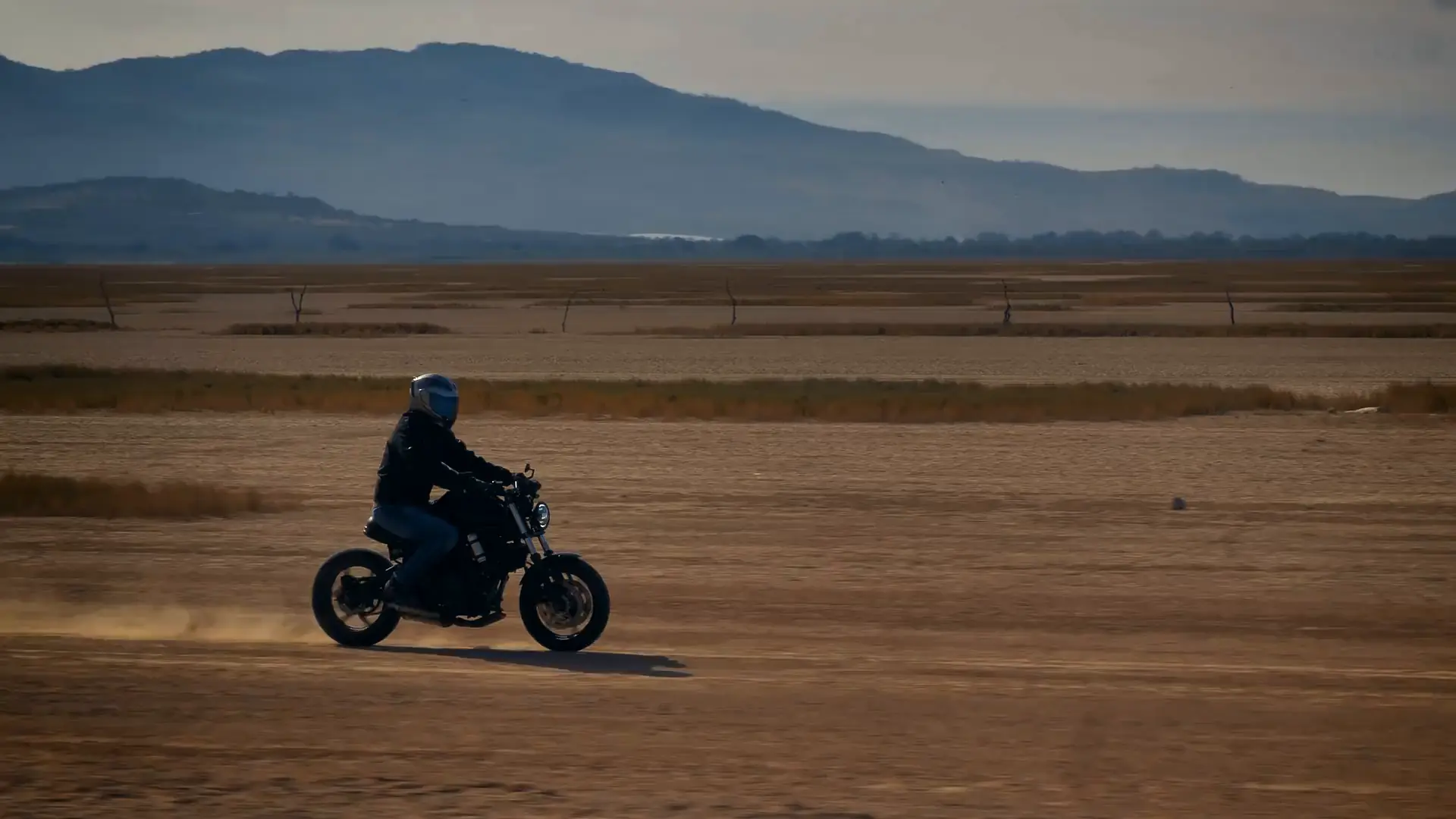
VOKPIT was born on two wheels, helmet on. Its base works wherever your hands are busy, and each sport will have its module: bike, ski and hiking are in preparation, none is available today. All modules.
Keep your eyes on the road.
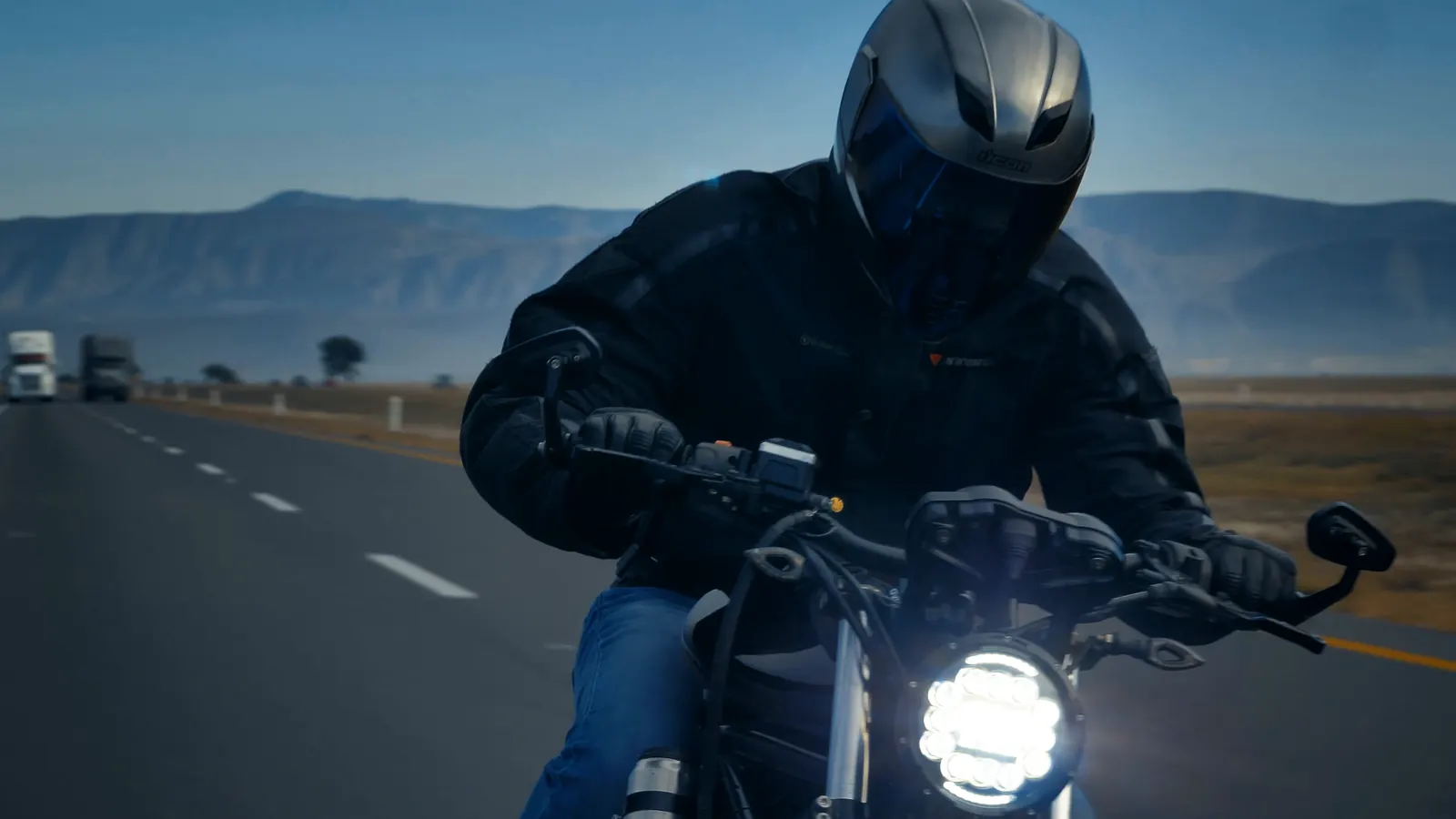
Free download on Google Play and the App Store. Android 10 or later, phone with GPS; iPhone with iOS 17 or later. The app is in French and English.
In detail
Each feature has its own page.
- Guidance in your helmetTurn by turn, screen off included, roundabouts drawn.
- Helmet alertsTight bend, rain, fog, crosswind, hazards.
- Loop ridesLoops drawn at random, rain-free ones first.
- Offline mapsAround you or along your route, shown with no signal.
- Voice controlThe intercom mic button, one sentence, the answer in your helmet.
- SOS and crash detectionFree: with no answer, your loved ones get your position.
Download
Download VOKPIT.
On Google Play for Android, on the App Store for iPhone. The download is free; the MOTO module is then added in the app.
- Google PlayAndroid 10 or later, phone with GPS.
- App StoreiPhone with iOS 17 or later.
- LanguagesThe app is in French and English.
Pricing
Free to start.
SOS stays free. No third-party ads, no advertising trackers; site visits are counted without cookies (legal notice).
| Feature | Free | module |
|---|---|---|
| Voice remote control of your music | Yes | Yes |
| Opens when the helmet connects | Yes | Yes |
| Call announcements and texts read aloud | Yes | Yes |
| Hazard reporting | Yes | Yes |
| SOS and crash detection | Yes | Yes |
| Calls and content chosen by voice | No | Yes |
| Guidance in your helmet | No | Yes |
| Ride screen and ride log | No | Yes |
| Hazard alerts and vigilance zones | No | Yes |
| Garage and maintenance log | No | Yes |
Questions
Frequently asked questions.
Where do I buy the MOTO module?
In the app, through Google Play or the App Store, once VOKPIT is published there. The other modules will follow.
Do I need an intercom?
It is recommended: guidance and commands then go through your helmet. The app also works without one, on the speaker or earphones.
Which intercom?
VOKPIT uses the standard Bluetooth profiles (hands-free and media controls) that motorcycle intercoms use to connect to the phone.
Does the GPS work without a network?
Computing the route needs a connection. After that, guidance, voice and arrival time are computed on the phone, and a downloaded map displays without a network. Hazard alerts always work offline.
Does VOKPIT call emergency services?
No. The alert warns the people you chose by text and opens a call to one of them. In an emergency, call 112.
What about iPhone?
VOKPIT will be on the App Store, for iPhone with iOS 17 or later.
Does VOKPIT record my voice?
No. Commands are interpreted on the phone, and VOKPIT keeps no recording of your voice. Privacy policy.
Contact
A question, an idea?
VOKPIT is an independent app, made in France. Write to [contact address to come] or use the support page.